Multiple ways to respond
Learners can use speech, AAC, pointing, supported choice, or typing without changing the essential concept.
 My Journey CurriculumStart a conversation
 New interactive pilot · Year 1 Units 1–6
My Journey Learning Platform brings all six Year 1 units into an interactive experience—while helping educators see communication, prompting, independence, and transfer alongside accuracy.
More than digital worksheets
The pilot is designed around My Journey’s learning model—not speed, public rankings, or one fixed level for a learner.
Learners can use speech, AAC, pointing, supported choice, or typing without changing the essential concept.
Educators select an access route by domain and adjust it as evidence shows a more useful next step.
Progress includes response mode, prompting, initiation, accuracy, reflection, and use in a fresh setting.
Clear visuals and motivating feedback support participation without making secondary learners feel younger.
Live Year 1 demonstration
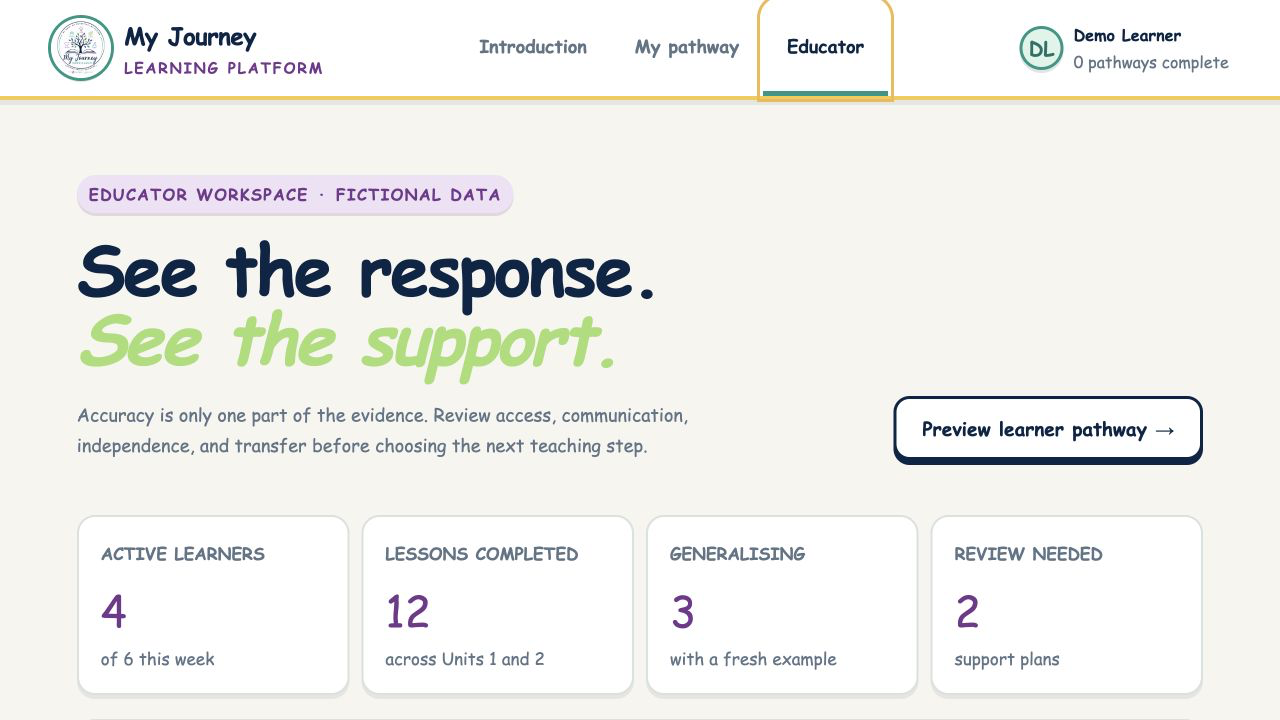
Explore the learner journey, open an interactive lesson, and switch to the educator workspace to see how contextual evidence can guide the next teaching decision.
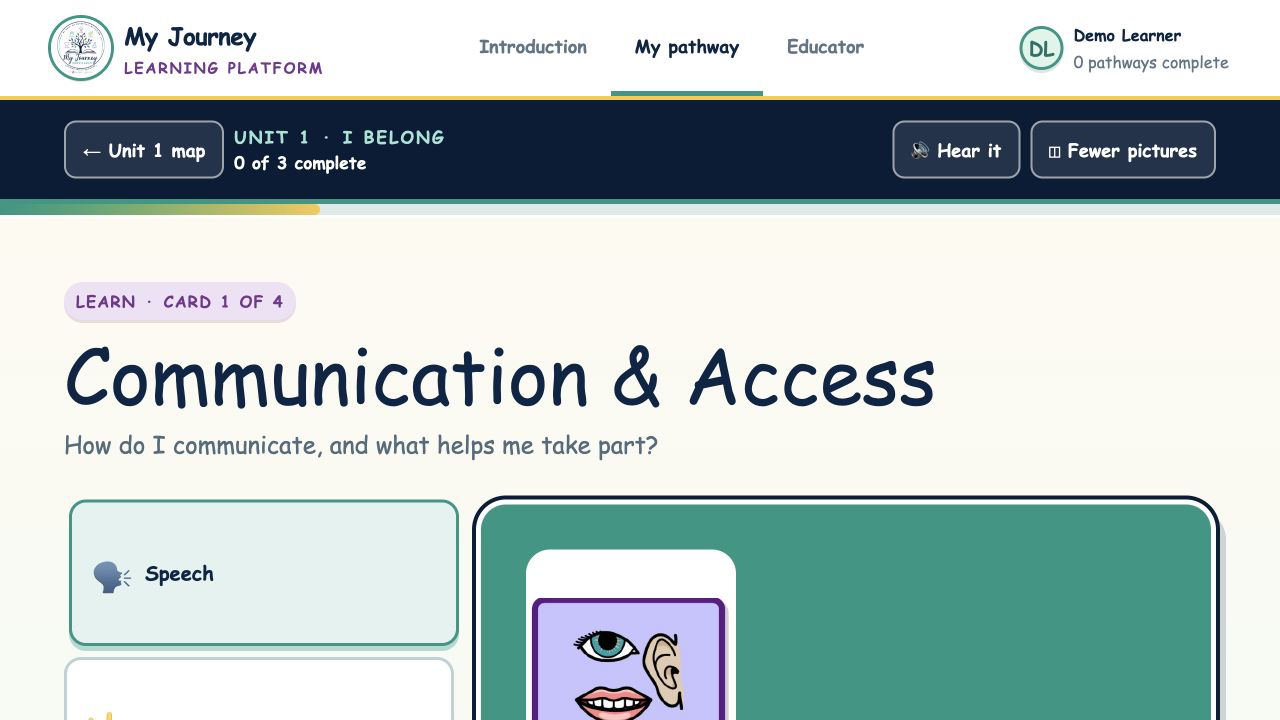 Interactive learning cardsVisual teaching, read-aloud support, fewer-picture options, and multiple communication modes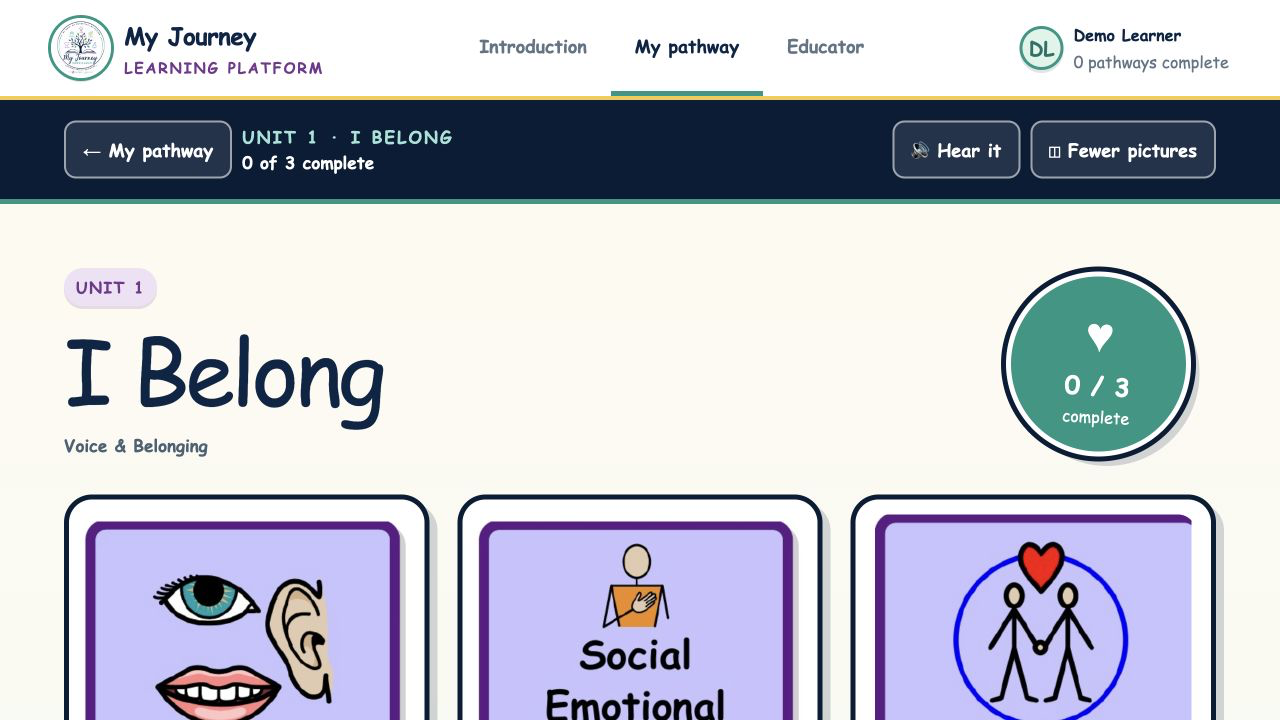
Ready to explore?
What this work demonstrates
This developing concept shows how an online platform could preserve the My Journey learning model while giving learners meaningful access and educators more useful evidence.
For learners
Interactive activities make the learning purpose visible while preserving age, dignity, communication, and choice.
Educator lens
For educators
The educator view connects accuracy with response mode, prompting, initiation, independence, and use in a fresh setting.
For school teams
The concept shows how learner-owned access information and classroom evidence could support more consistent planning across a team.
This is a demonstration, not a live student system. It does not create accounts or store student information. Any future platform would require full privacy, security, accessibility, and school-governance work before real learner use.